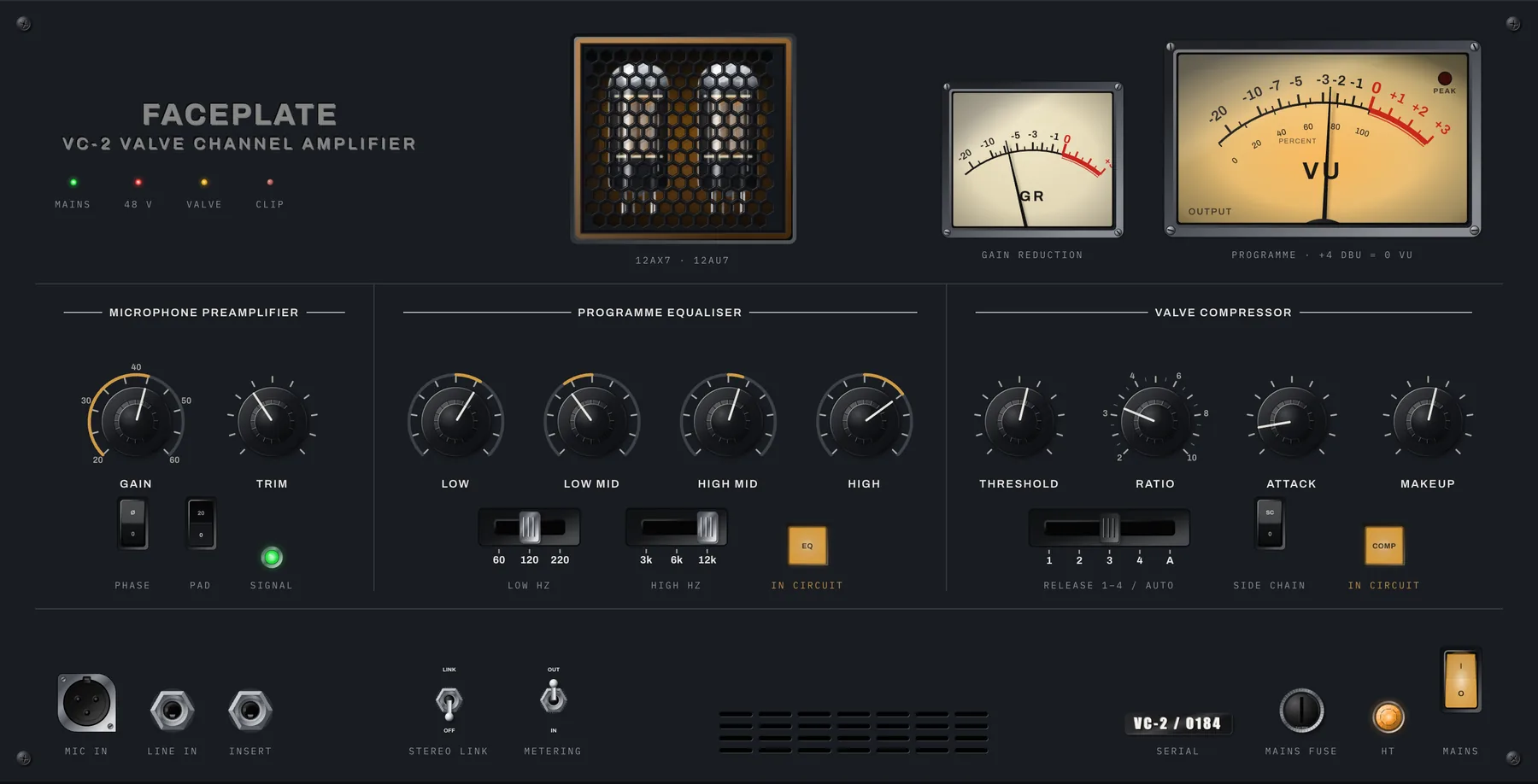
2U · Studio outboard
Valve channel strip
A backlit VU movement, valves behind a grille, stepped input gain and a row of skirted knobs under printed section rules. Every part of it is a tag.
57 components for plugin panels and the browser. Knobs with the machining of the knob they are named after, displays at the dot pitch of the module, meters with the ballistics from the standard. Themeable, accessible, no dependencies.
Complete instruments, not swatches. Every one of these is markup, captured from the running page.
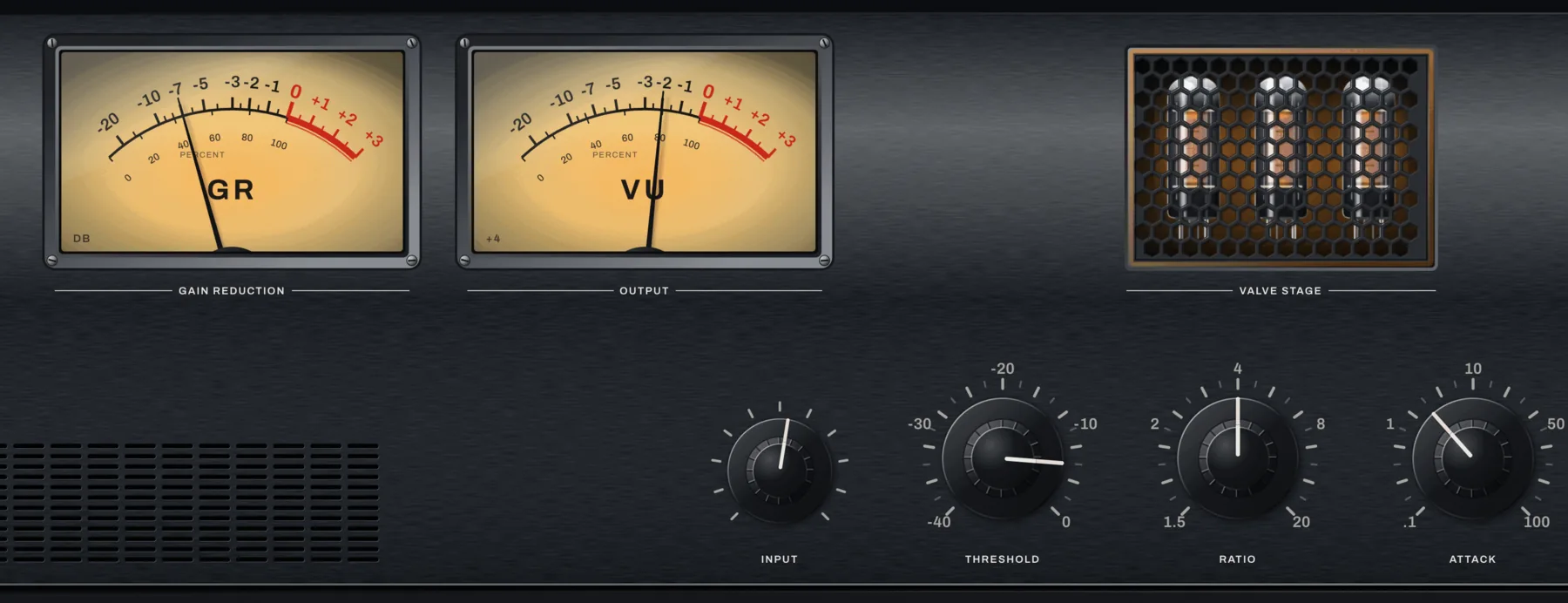
2U · Studio outboard
A backlit VU movement, valves behind a grille, stepped input gain and a row of skirted knobs under printed section rules. Every part of it is a tag.
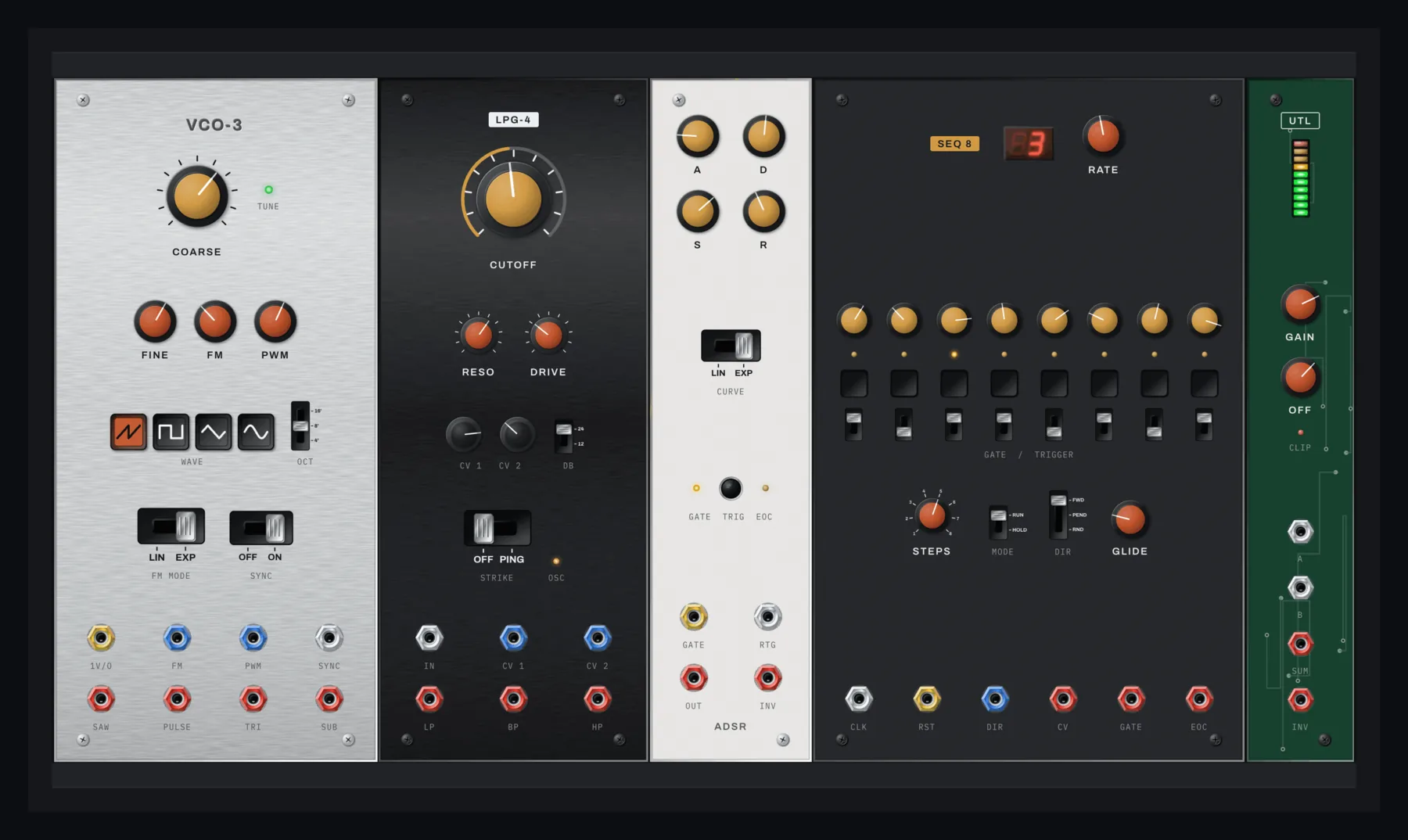
Modular · 84HP
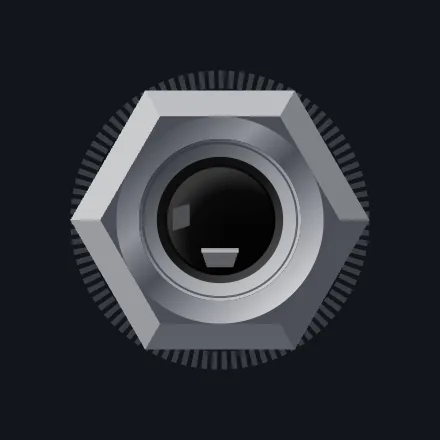
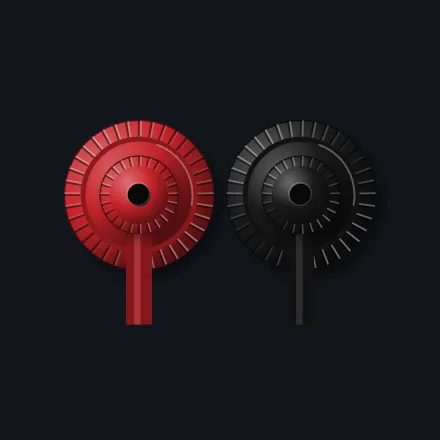
Silver panels of five different widths, coloured soft-touch caps, tuning LEDs and rows of 3.5 mm jacks whose nuts you can colour to match the panel.
Instrument
Sixteen steps marching in time, pads lighting as they hit, an encoder ring following the tempo. The sequencer runs on the same frame loop as everything else.
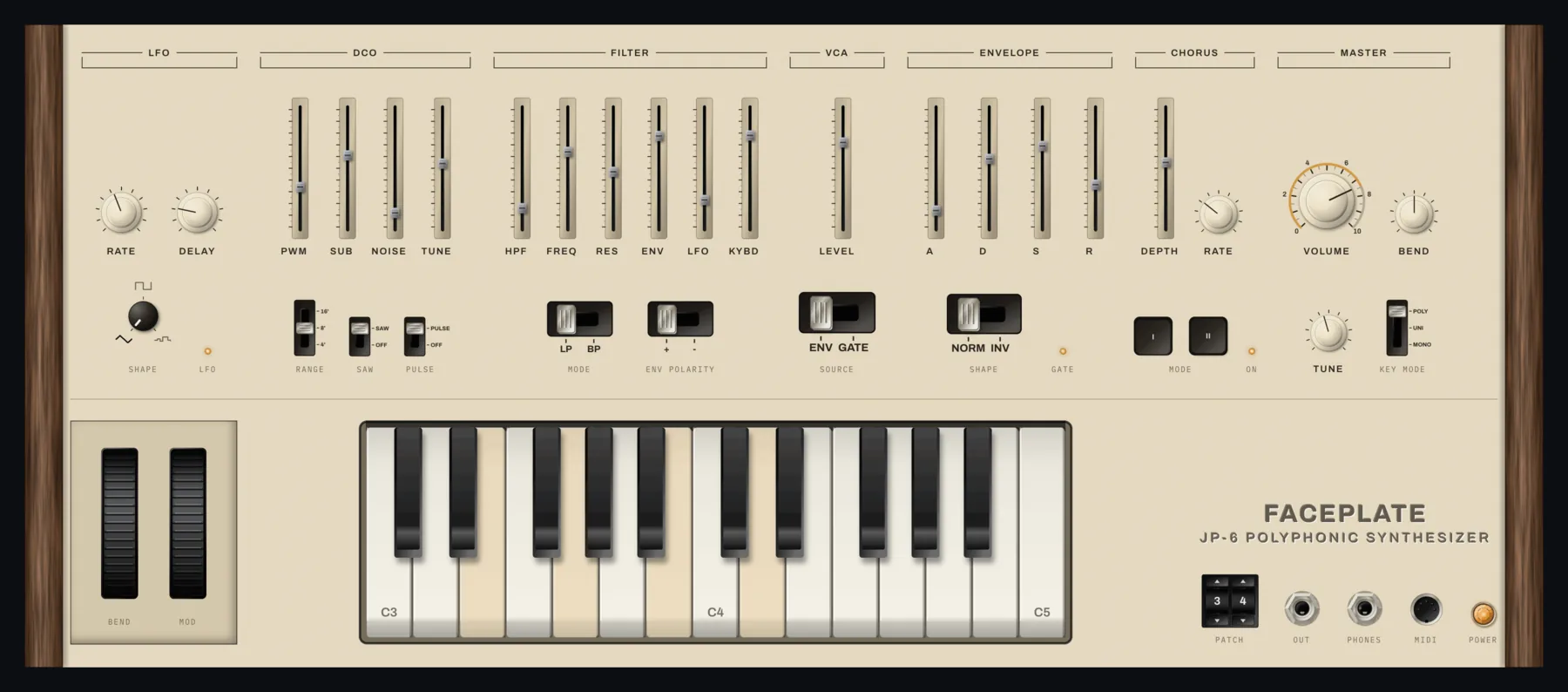
Instrument
Wooden cheeks, silkscreen section brackets, sliders and knobs in labelled groups, bend and modulation wheels, and a keybed along the bottom.
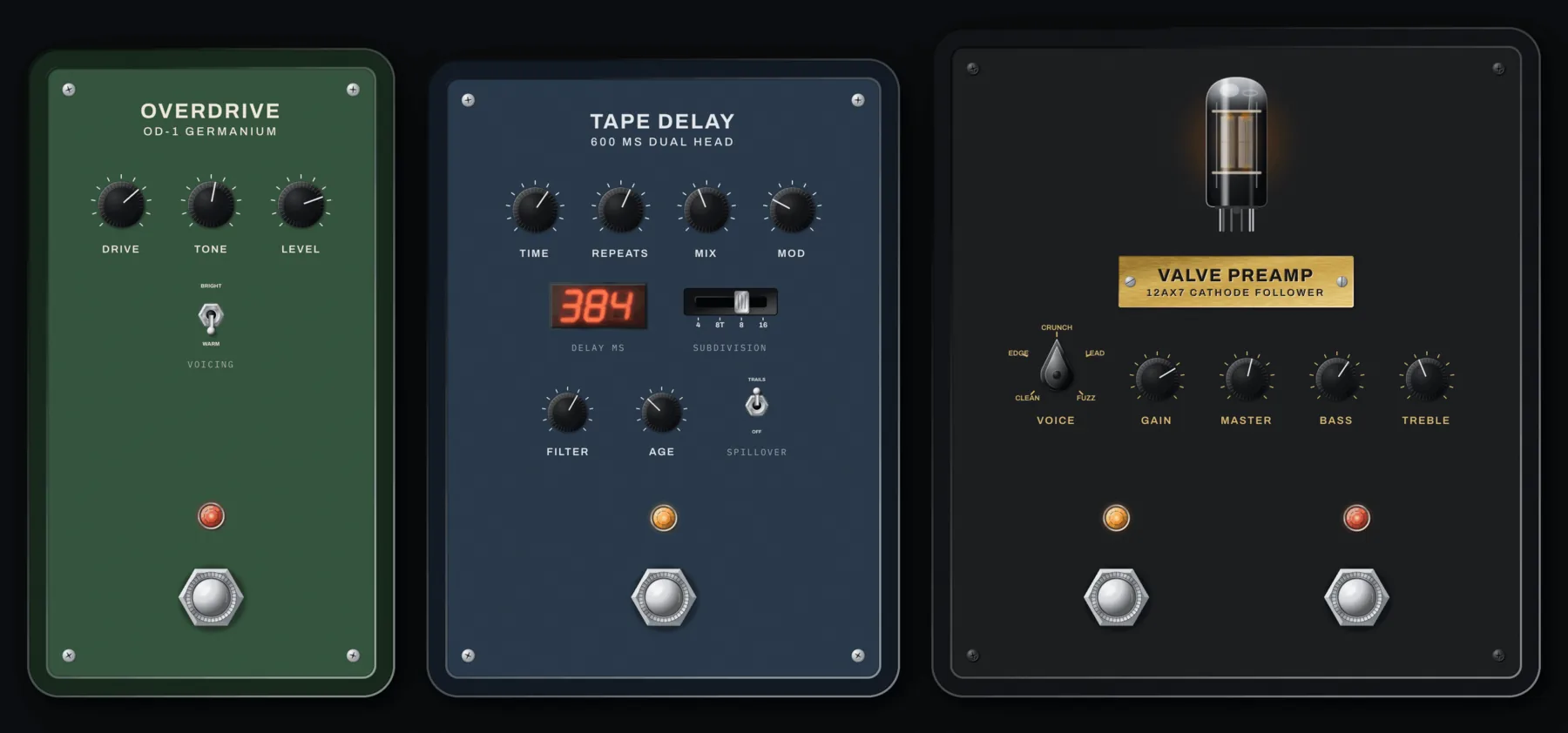
Pedals
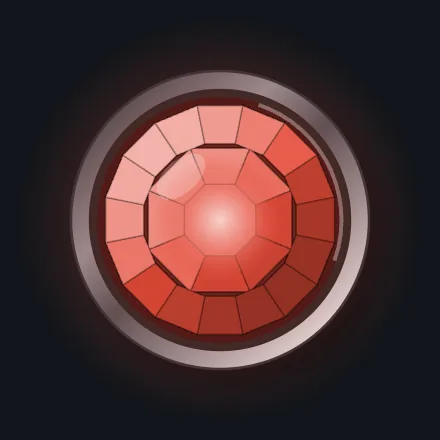
Stomp footswitches with their knurled rings, jewel lamps, 6.3 mm jacks in the sides, and a valve visible through a window in the preamp.
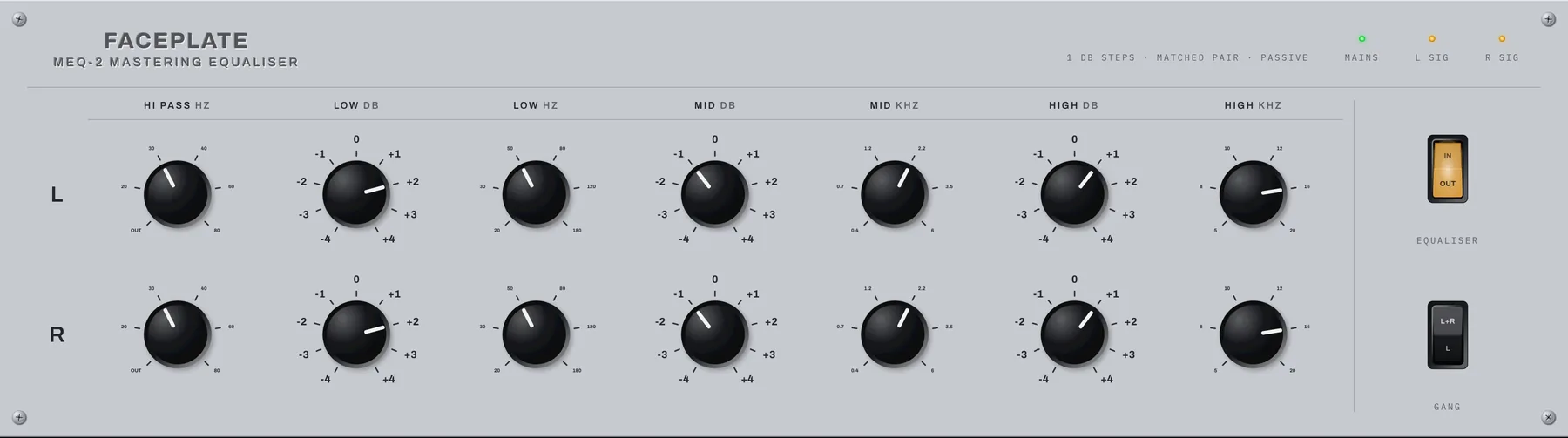
1U · Studio outboard
Matched channels of stepped rotary switches with numbered legends around them, which is the detail that makes a mastering EQ look like one.
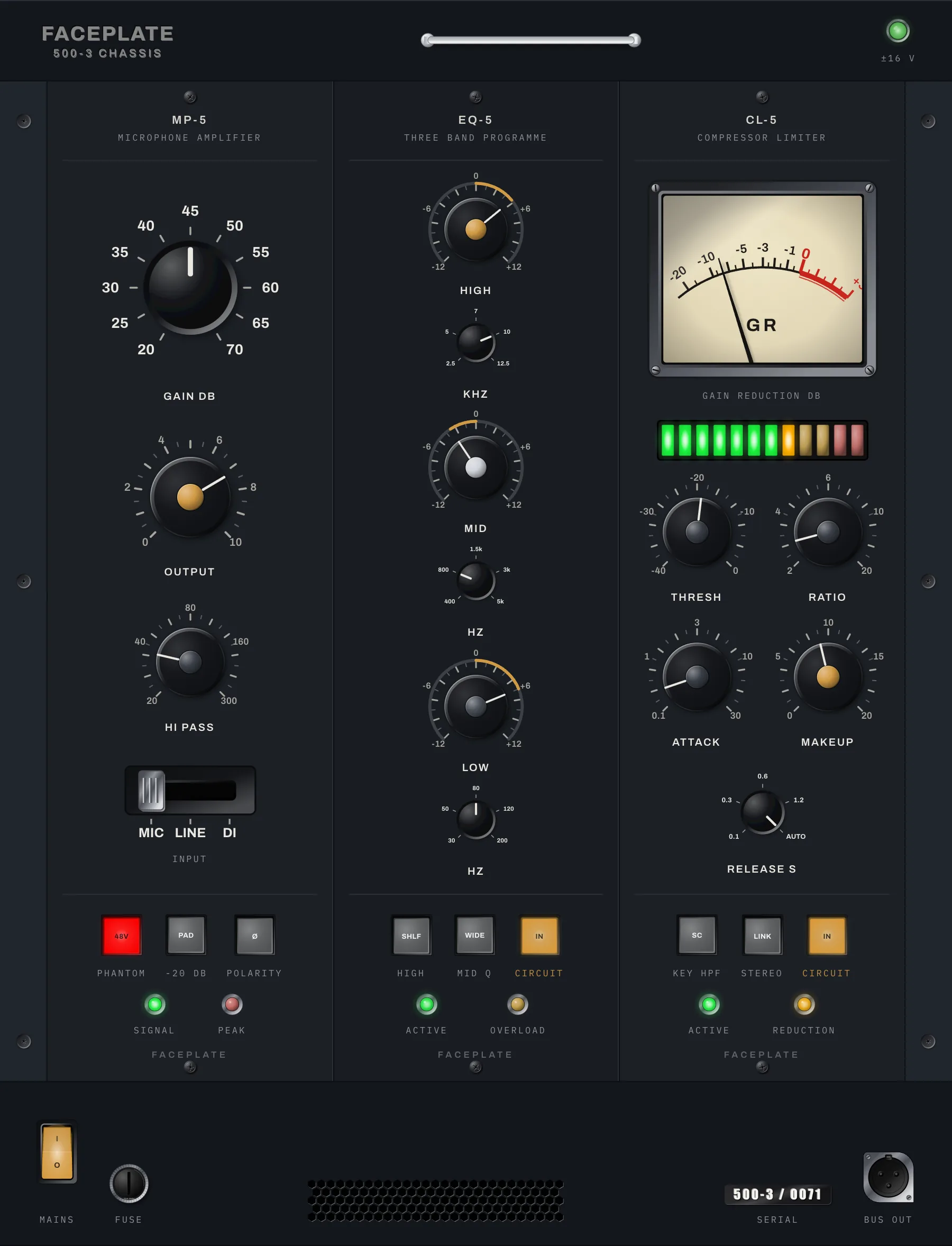
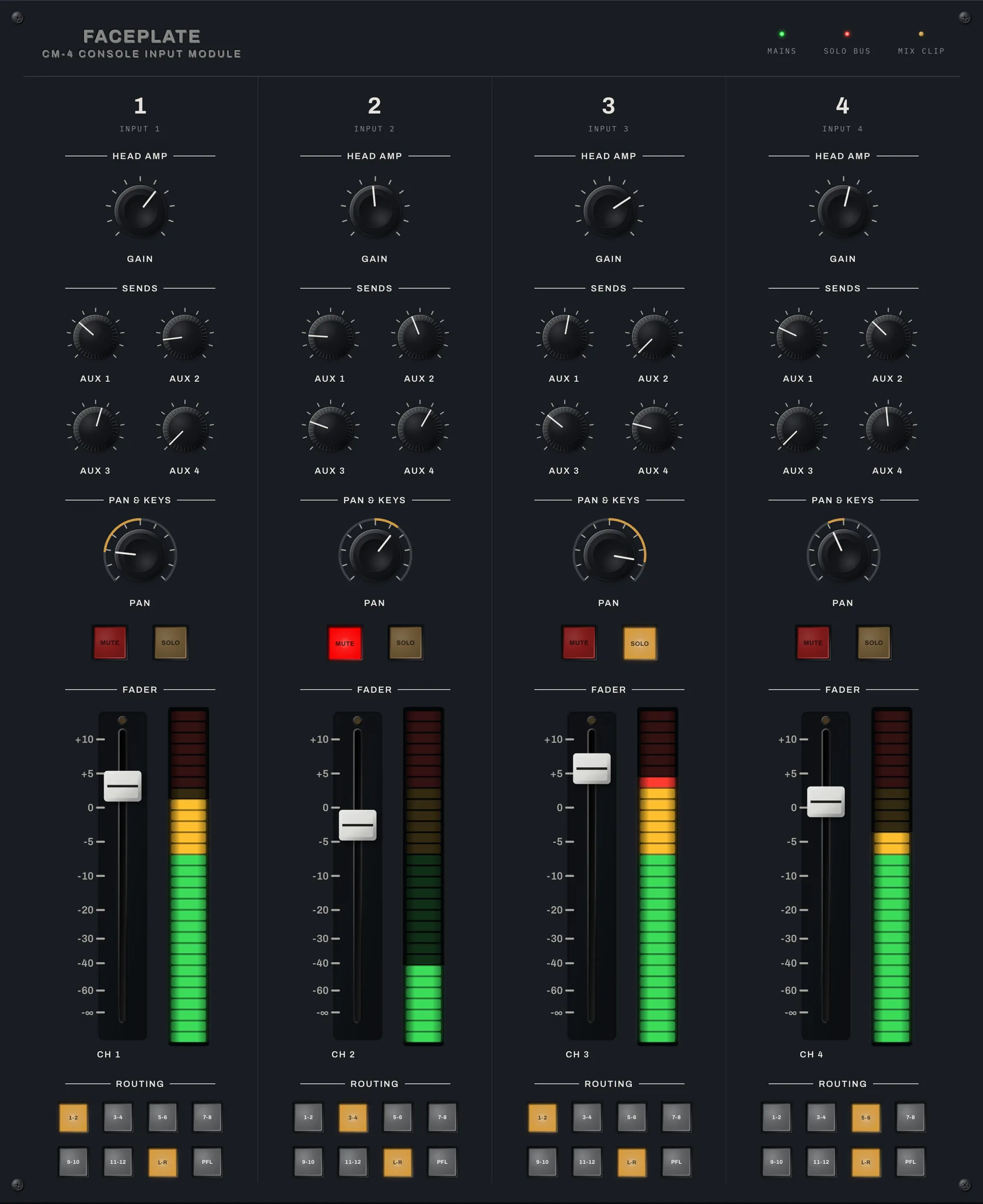
Captures of the real elements, every one at the same size. Each is a single HTML tag with attributes.
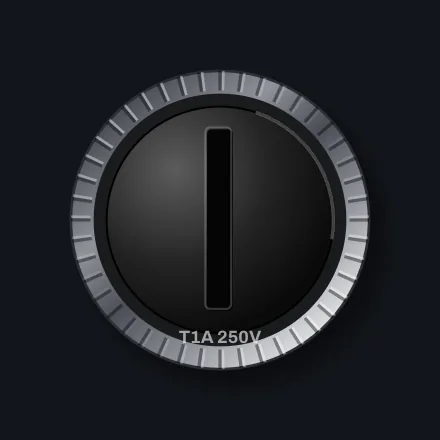
Twelve knob designs before you change a colour
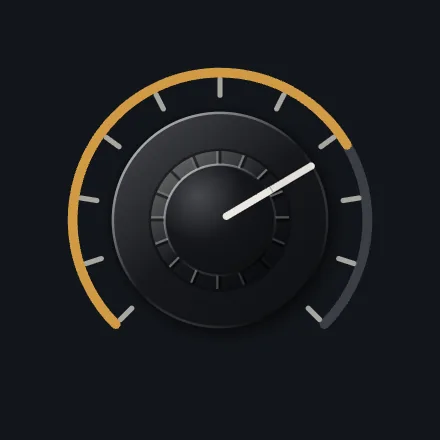
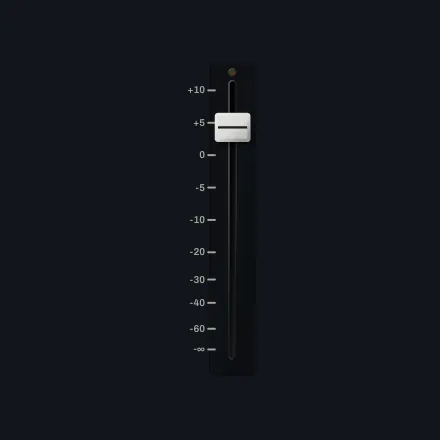
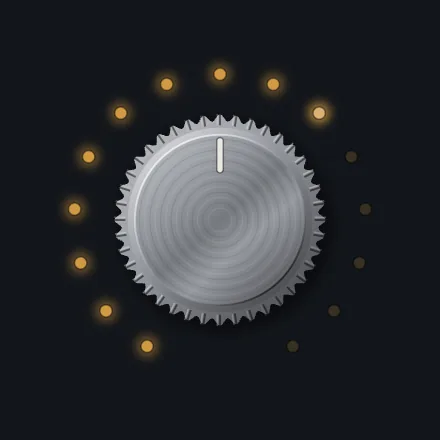
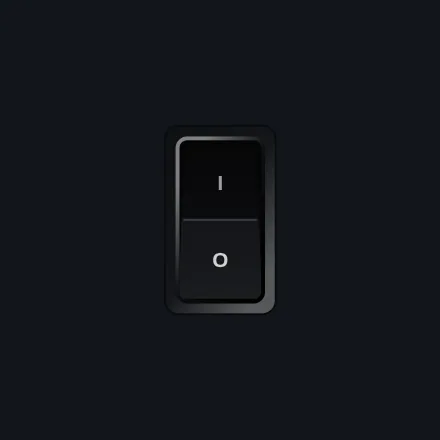
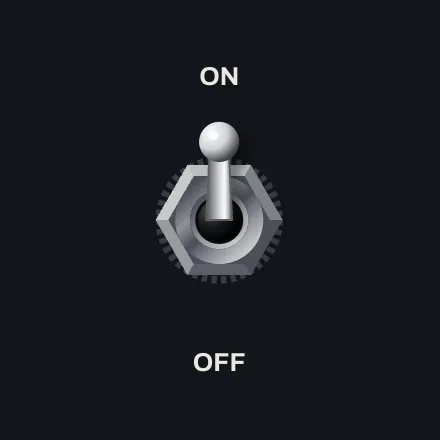
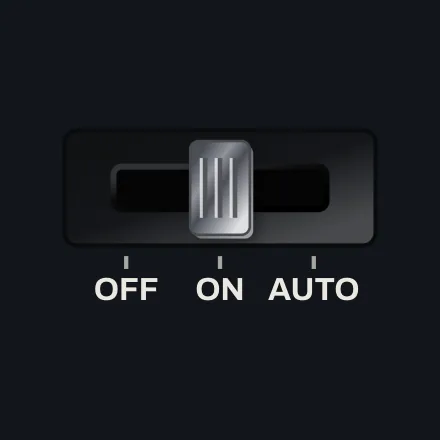
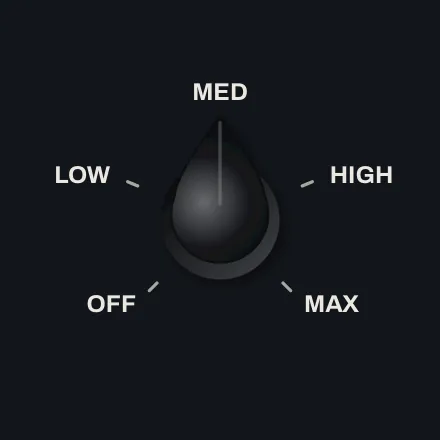
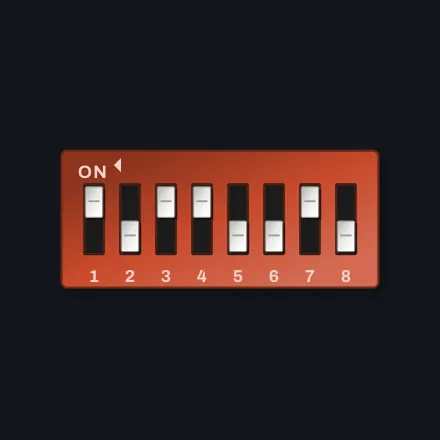
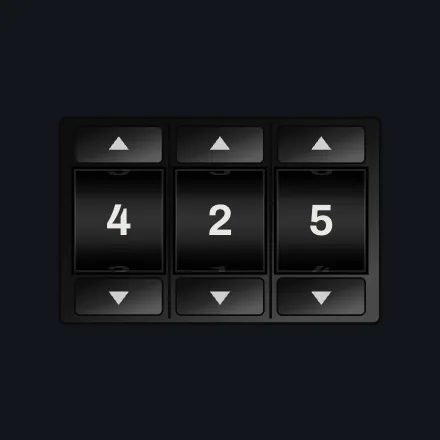
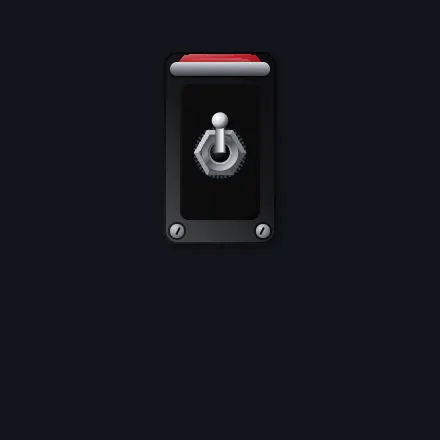
Every way a panel has ever been switched
The parts that tell you what is happening

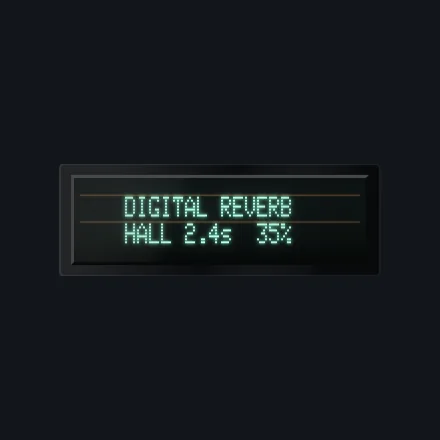
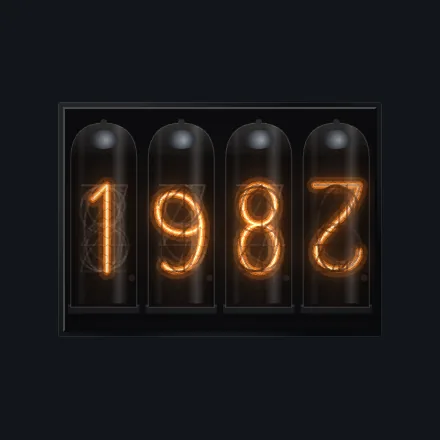
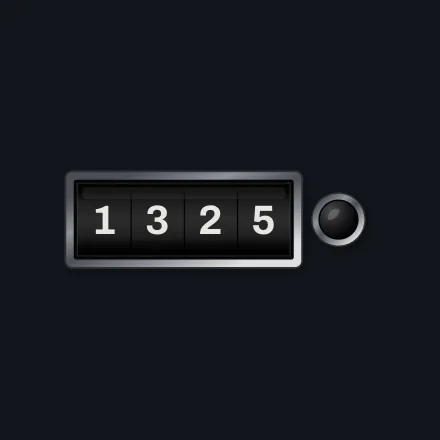
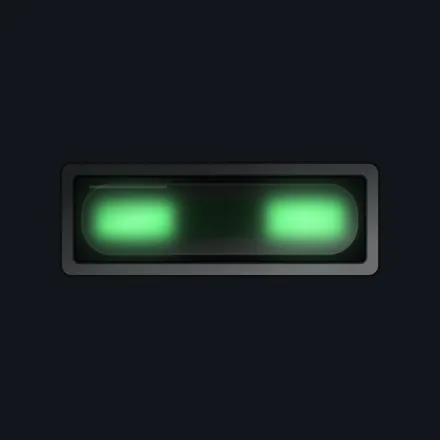
Drawn at the dot pitch of the real module
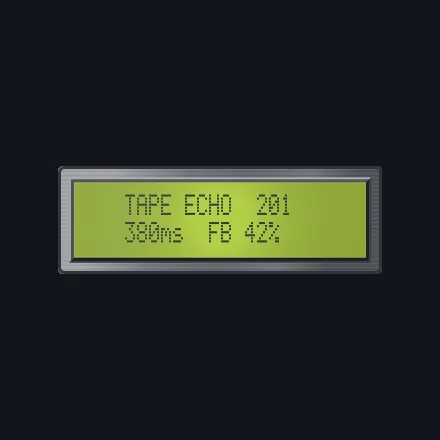
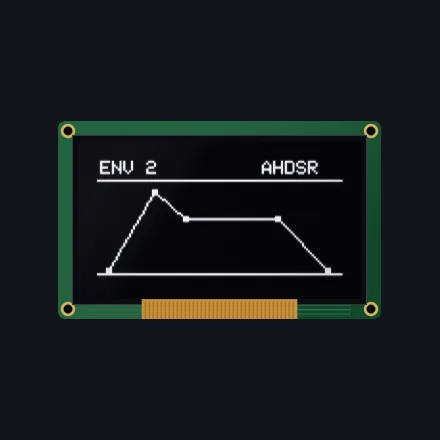
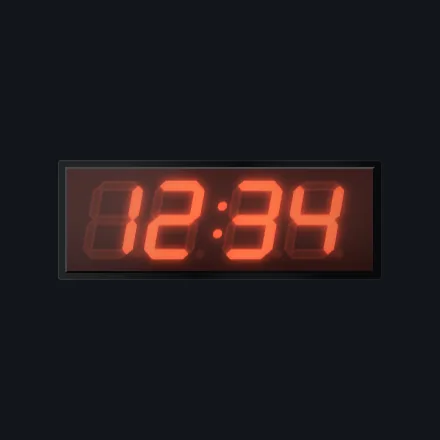
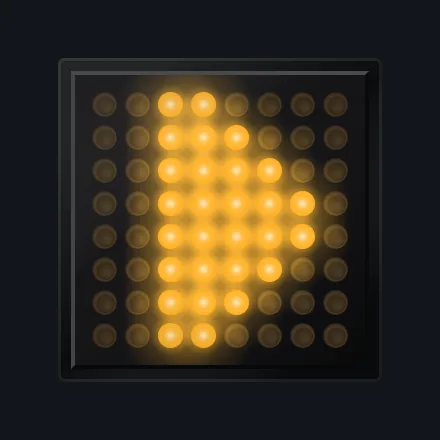
Measured against the standard, not tuned by ear
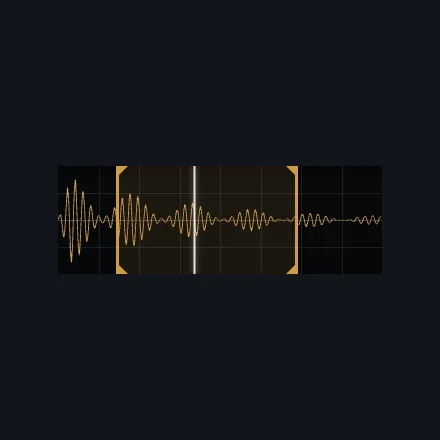
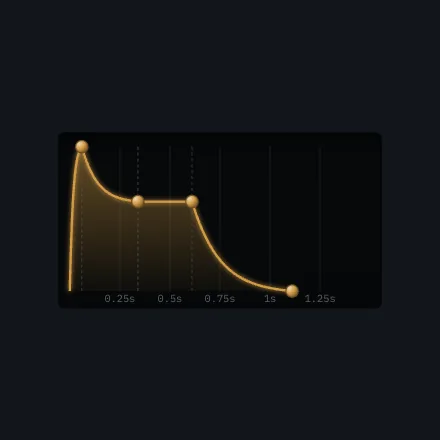
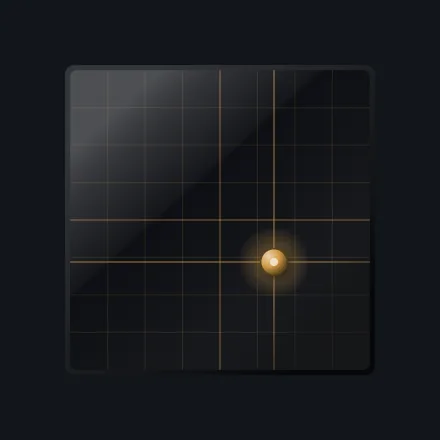
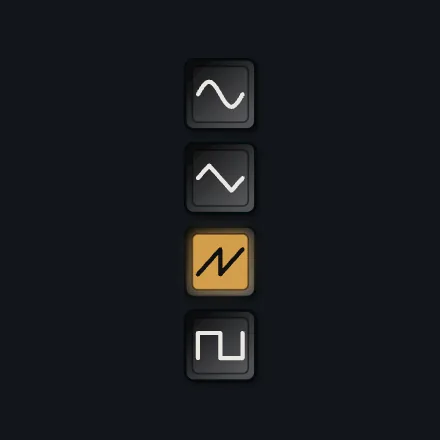
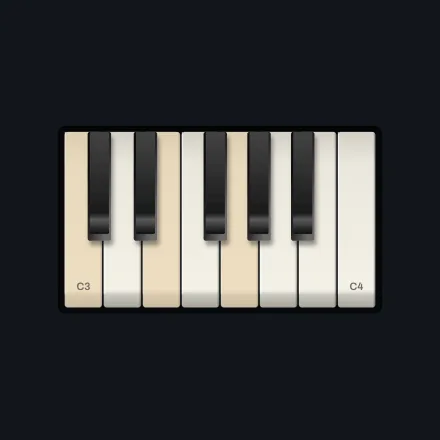
What makes a rectangle read as a machine
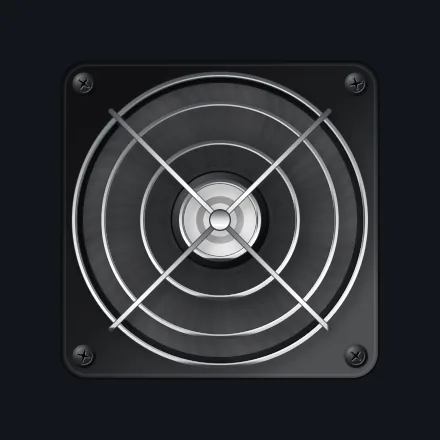
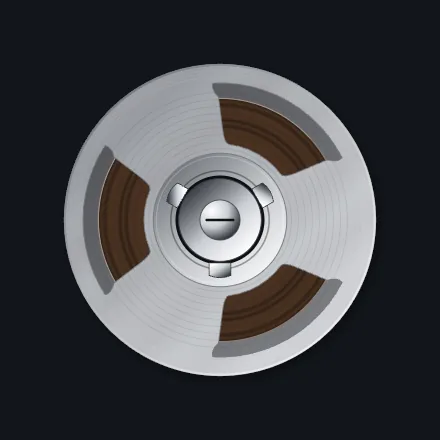
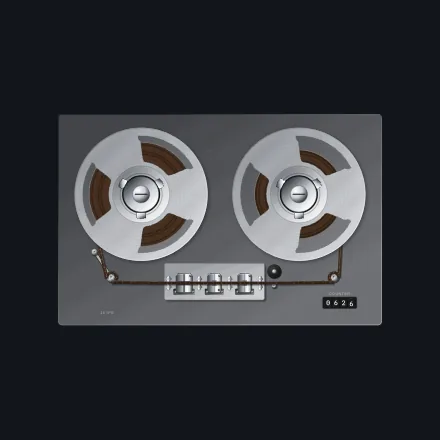
Reels that turn at the speed the pack radius says
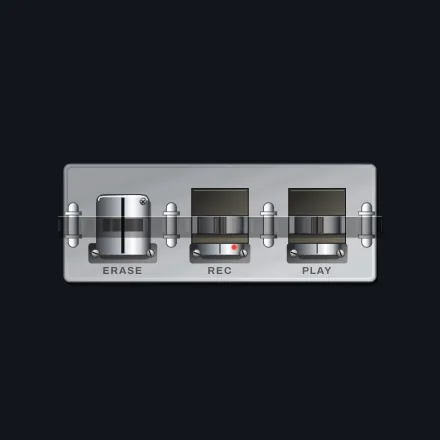
Because a panel is never only knobs
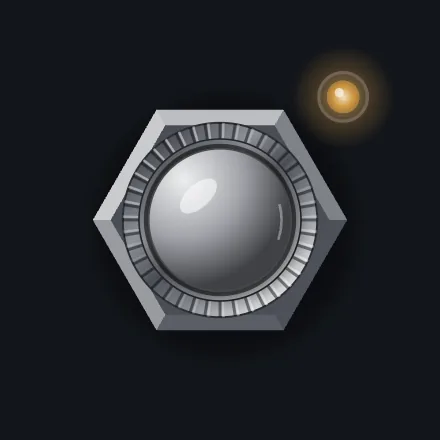
Names
A component is called what it is: a skirted knob, a bat toggle, a key switch, a character display. Where the reference documentation identifies the real control a shape was drawn from, it does that to tell you what you are getting. Those names belong to their owners, who are not affiliated with this project, and nothing here contains any part, artwork or data taken from them. Every element is drawn from geometry written for it.
A panel is markup. No canvas to manage, no layout engine to learn, no build step.
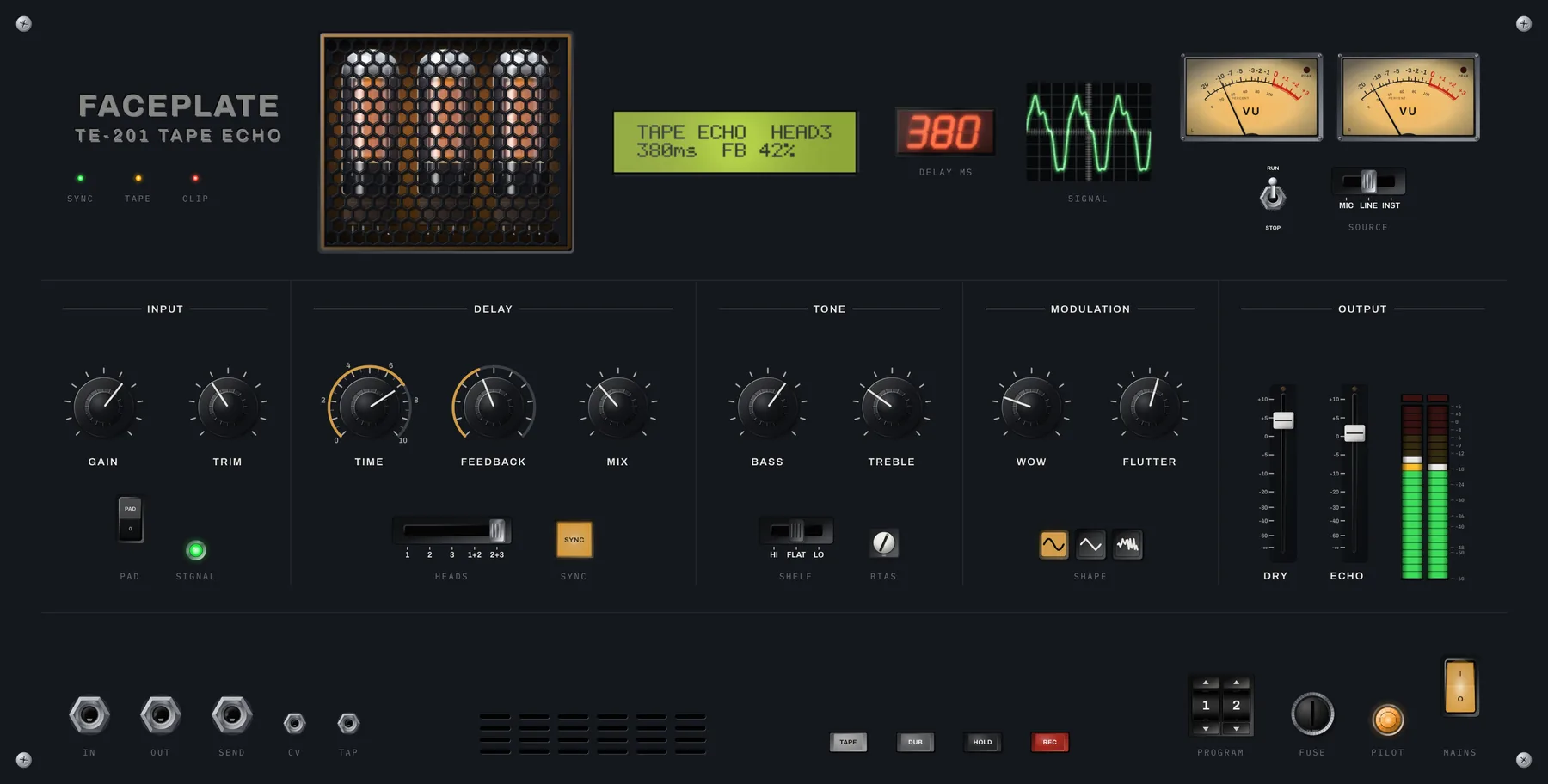
Elements are HTML. They lay out with the grid or flexbox you already use, and a control is bound to a plugin parameter by naming it.
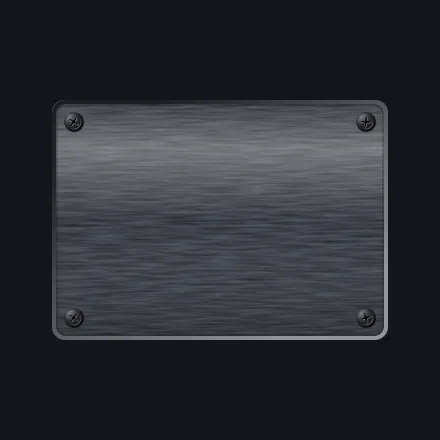
<fp-panel finish="brushed" screws="corners">

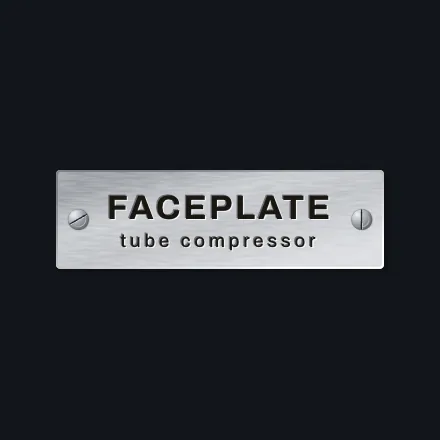
  <fp-nameplate text="FACEPLATE" variant="engraved"></fp-nameplate>

  <fp-knob param="drive" variant="chicken" scale="ticks" readout></fp-knob>
  <fp-knob param="tone" variant="skirted" arc label="Tone"></fp-knob>
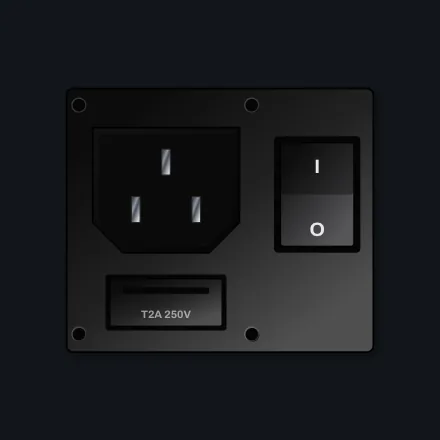
  <fp-rocker param="bypass" variant="power"></fp-rocker>

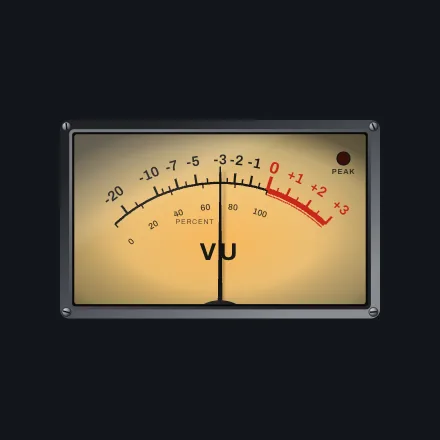
  <fp-vu source="out" variant="backlit" lamp></fp-vu>
  <fp-lcd source="display" cols="16" rows="2" bezel="bevel"></fp-lcd>
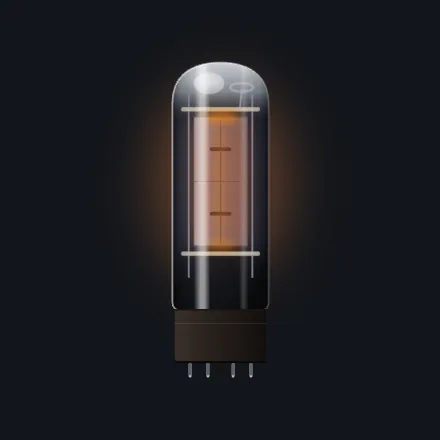
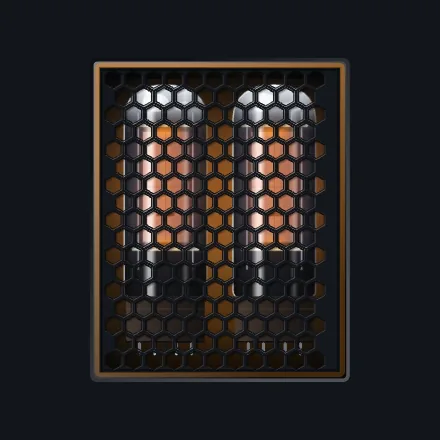
  <fp-tube-window source="drive" tubes="2"></fp-tube-window>

</fp-panel>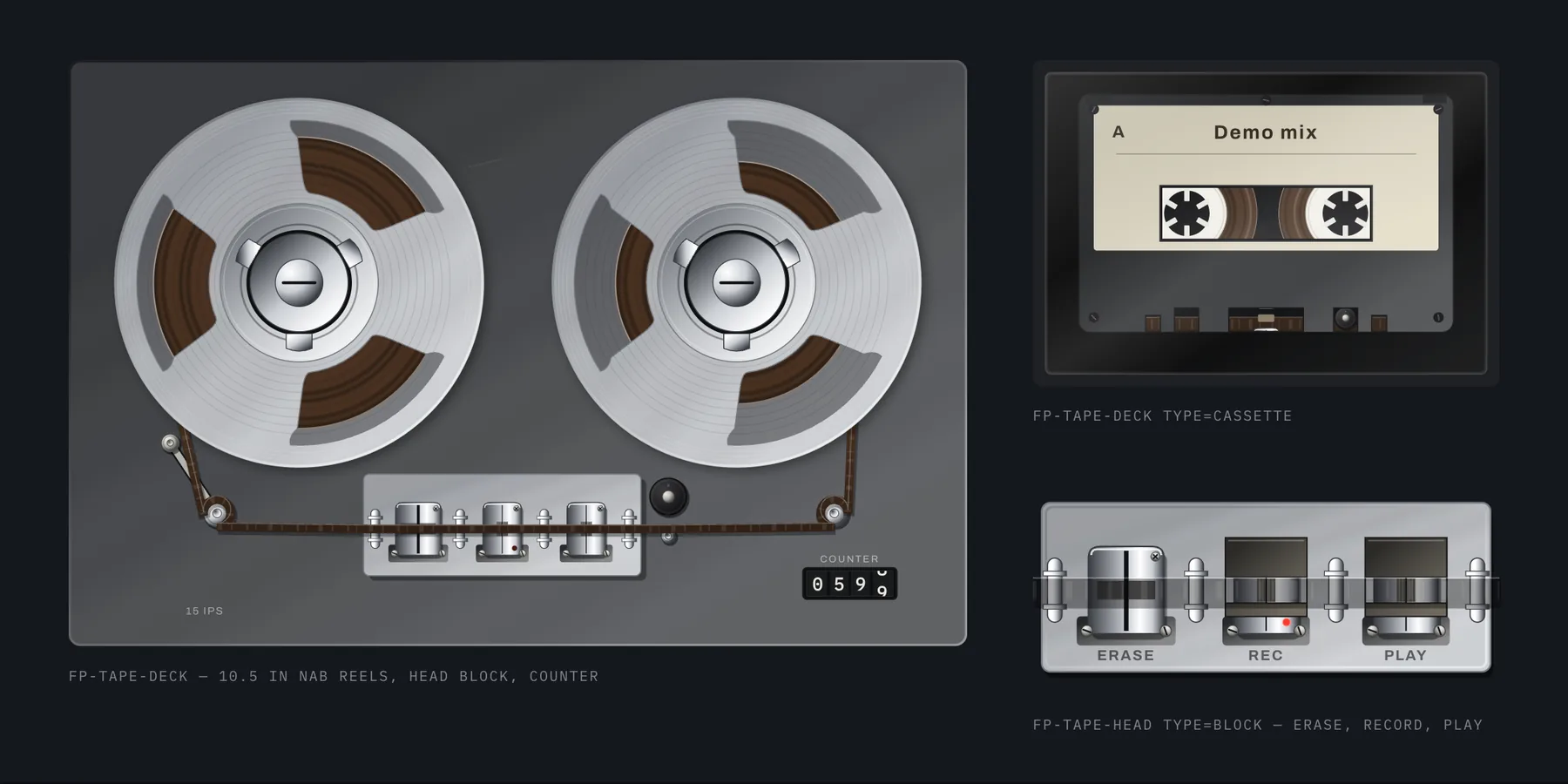
The transport is one element. The reels turn at the speed their pack radius gives them, the tape moves across the heads, and the whole thing coasts to a stop.
<fp-tape-deck type="loop" heads="e|r|p|p|p"
heads-active="1|3" speed="7.5" state="play"></fp-tape-deck>Two values decide how a whole panel looks, which is what makes it read as one object instead of a parts bin.
Every highlight, bevel, rim and contact shadow comes from a single angle. Move it and the panel is relit as a whole, because the screws, knob edges, switch bodies and metal are all reading the same number.
Colour works the same way. Five themes ship, from dark anodised aluminium to a cream panel with bakelite knobs to a silver eurorack face, and each is a short list of colours. Any element overrides any of them for itself, so one red button on a grey panel needs no new component.
theme.apply("eurorack");
theme.apply({ accent: "#00c2ff", "light-angle": 300 });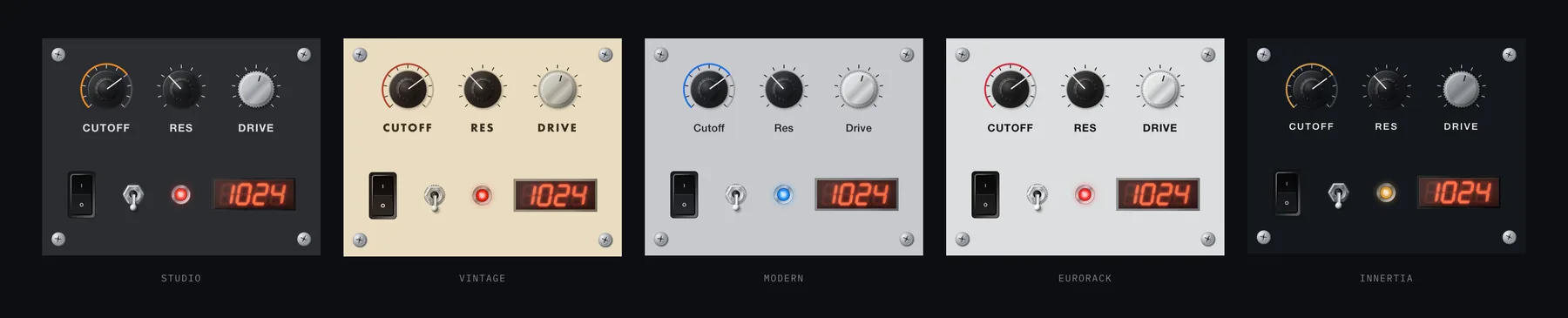
The drawing is the visible half. The other half is what the components are connected to before you write anything.
Name a parameter on a control and it is bound. The host automates it, undo knows about it, and the range, curve, step and unit come from the plugin instead of being typed twice. Hosts that highlight the parameter under your cursor are told which one it is.
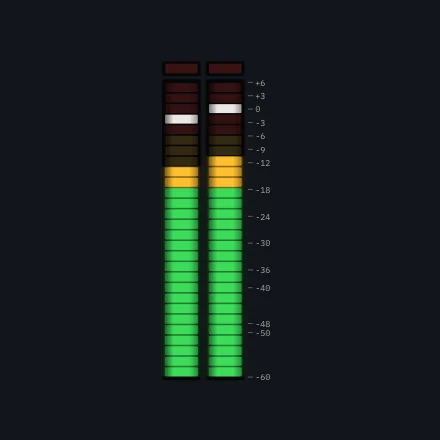
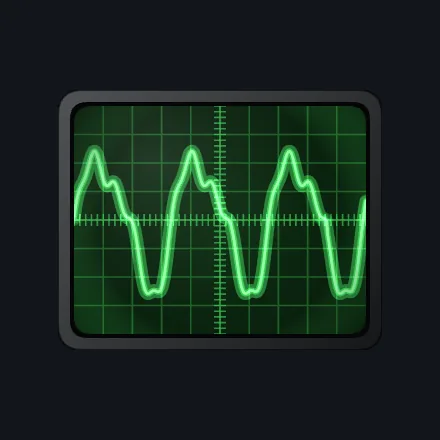
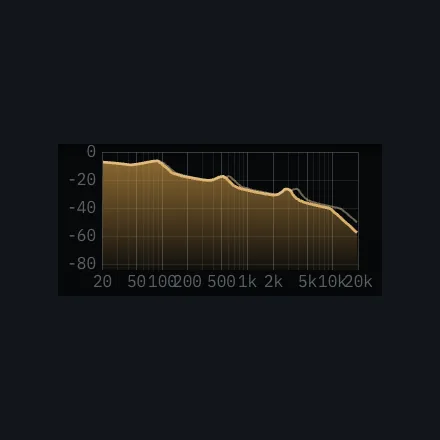
Meters, scopes, analysers and displays subscribe to a named channel that the audio engine publishes into. The audio thread never waits and never allocates to feed them.
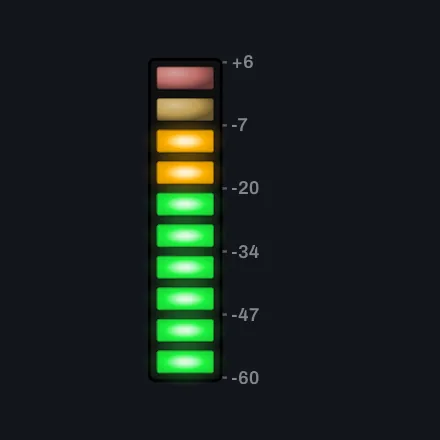
The VU movement reaches 99 per cent in 300 milliseconds and overshoots by about one per cent, as the standard says it must, and a test asserts it. Peak, RMS and both PPM types sit beside it.
Every control takes focus, steps with the arrow keys, jumps with Home and End and reports its value. The focus ring appears when you are using the keyboard and stays out of the way when you are not.
No text selection, context menu, zoom, scrollbars, navigation, browser shortcuts or white flash when the window opens. Animated parts share one frame loop and leave it the moment they settle, so a still panel costs nothing.
| Runs in | Plugin windows through the framework web view, and any browser |
|---|---|
| Plugin formats | VST3 · AU · CLAP · Standalone |
| Systems | macOS · Windows · Linux |
| Components | 57, in eight families |
| Written as | Custom elements. No framework, no bundler, no build step |
| Dependencies | None. Nothing is fetched at runtime |
Faceplate is being finished inside my own instruments first. That is the only way I would trust a component library.
Soon
If you are building an audio product and this is the interface you want, write to me and say what you are making. I am giving early access to a small number of projects, and taking on interface and product work around it.